How to pray before checking your phone in the morning
Whoever gets the first minutes of your morning gets a vote on the whole day. For most of us that's currently a feed. Reordering the morning isn't about heroic discipline — it's about changing what your phone shows you first and what it lets you open.
Why the first input matters
The brain treats its first inputs as the day's agenda. Open email first, and you start the day in other people's demands. Open news first, and you start in the world's emergencies. Pray first, and everything else gets received from a steadier place. Same phone, same life — different order.
Reorder the morning in three moves
1. Put a verse on the lock screen
You can't avoid seeing your lock screen, so make it carry the first word of the day. A lock-screen widget that shows a daily verse means the interruption to prayer happens before the phone is even unlocked.
2. Shield the apps that hijack you
Pick the two or three apps your thumb opens on autopilot and put them behind a shield until you've prayed. On iPhone this runs on Apple's Screen Time framework, so it holds even when your resolve doesn't. The point isn't punishment — it's that the path of least resistance now leads through prayer.
3. Keep morning prayer to one honest minute
Check in — how did you wake, where is your heart toward God — read the verse that meets that answer, and pray briefly in your own words. If the bar is a minute, you'll clear it even on the frantic mornings, and the habit compounds.
Anchor it with a rhythm you can see
A streak on the home screen (and on the widget itself) turns invisible faithfulness into visible momentum. Add grace for missed days so one chaotic morning doesn't collapse the whole pattern.
Built for the first minutes of the day
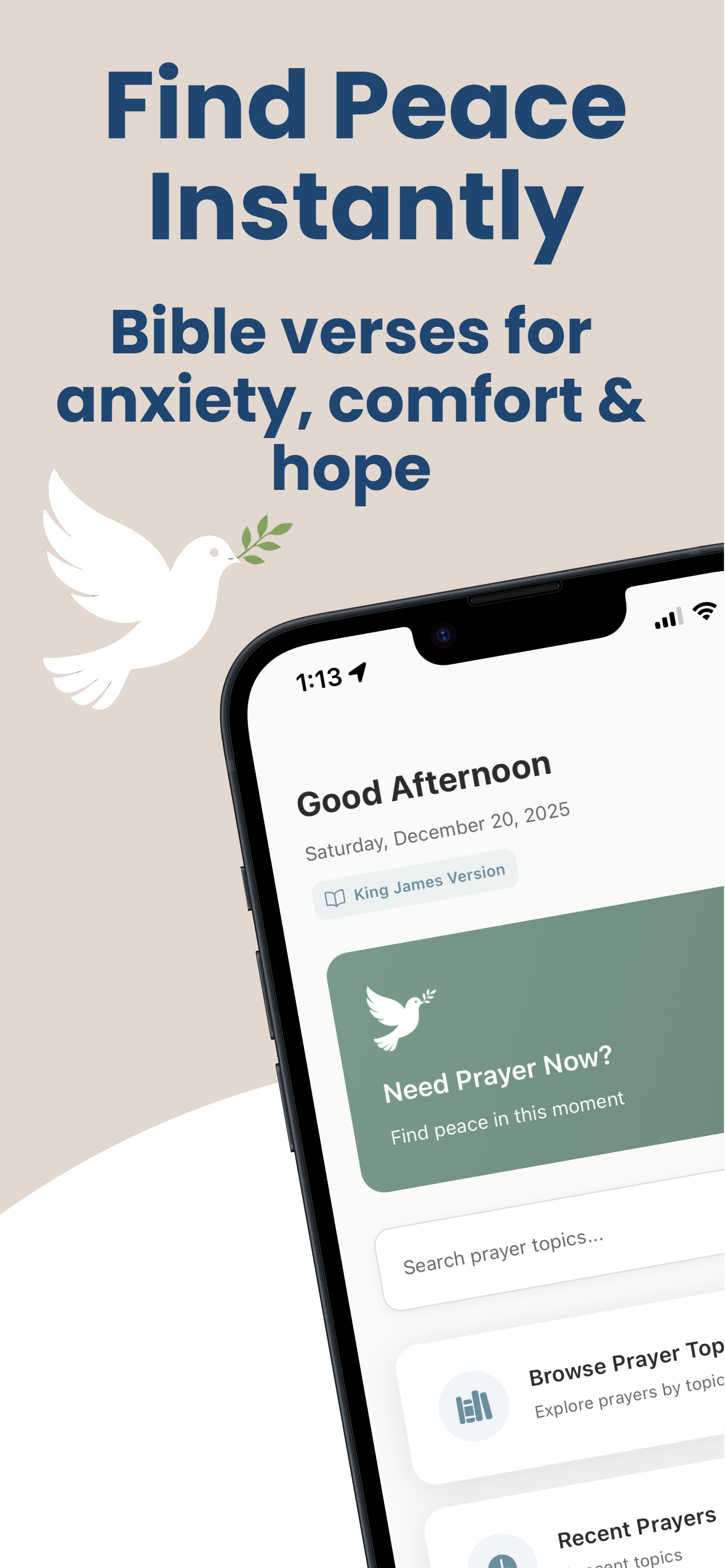
Guided Prayer puts a verse and your streak on the Lock Screen, shields your chosen apps until prayer is done, and keeps the daily prayer to a guided minute. Free to start.
Download on the App Store