The app that blocks your apps until you pray
If willpower alone worked, you would already pray before opening Instagram. An app blocker built around prayer changes the order of your morning at the system level — the feed simply doesn't open until you've prayed.
Why blocking works when reminders don't
A reminder asks you to make a good decision at your weakest moment — half-awake, thumb already on the screen. A blocker removes the decision. When your chosen apps are shielded, the shortcut between impulse and scroll is broken, and the few seconds of friction are enough to redirect you to something you actually planned to do: pray first.
On iPhone, real app blocking runs on Apple's Screen Time (Family Controls) framework. That matters for two reasons: the shield works at the operating-system level rather than as an overlay you can swipe away, and the list of apps you block never has to leave your device.
How Focus Lock works in Guided Prayer
- Pick your distracting apps. Guided Prayer opens Apple's native app picker, so you choose exactly which apps get shielded. The free plan covers 2 apps; Pro removes the limit.
- Apps stay shielded until you pray. Until your daily prayer is complete, the apps you selected stay locked behind a shield screen.
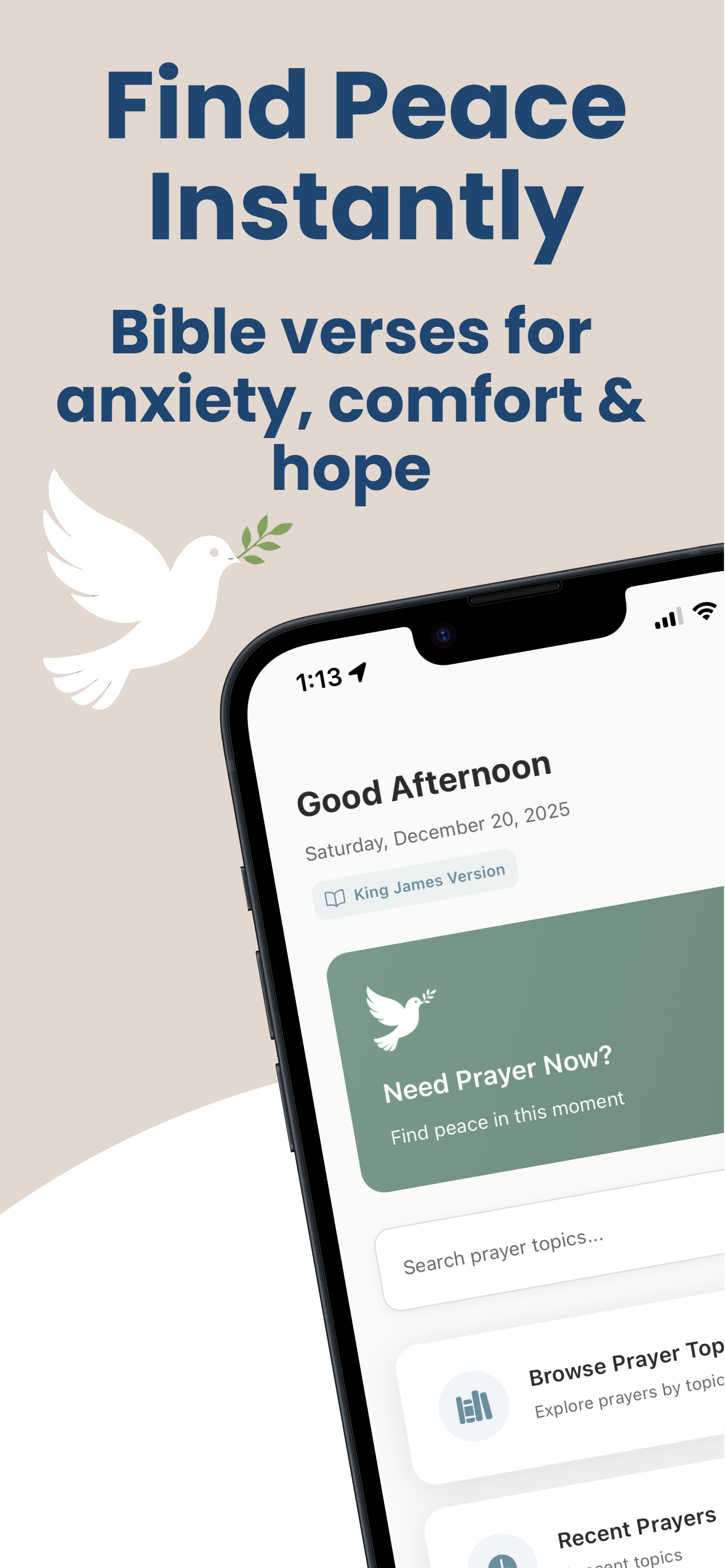
- Complete a short guided prayer. A quick check-in asks how you're doing and how your relationship with God feels right now, then builds a short prayer around Scripture that matches your answer.
- Your day unlocks. Once the prayer is done, the shield lifts and your streak updates. Tomorrow it starts fresh.
What to look for in a prayer-based app blocker
- Native Screen Time integration — anything else is easy to bypass.
- A real prayer, not a token tap. If dismissing the block takes one tap, you'll train yourself to tap it mindlessly. A short check-in plus Scripture engages you enough to actually change gears.
- Optionality. Blocking should serve the habit, not become a legalistic cage. In Guided Prayer, Focus Lock is fully optional — the prayer flow, verse library, and streaks all work without it.
- Privacy. The apps you struggle with are sensitive information. Guided Prayer never sends your selected app names off your device.
Try Focus Lock free
Guided Prayer includes Focus Lock for up to 2 apps on the free plan, one guided prayer every day, and Scripture organized by what you're facing. No ads.
Download on the App Store